
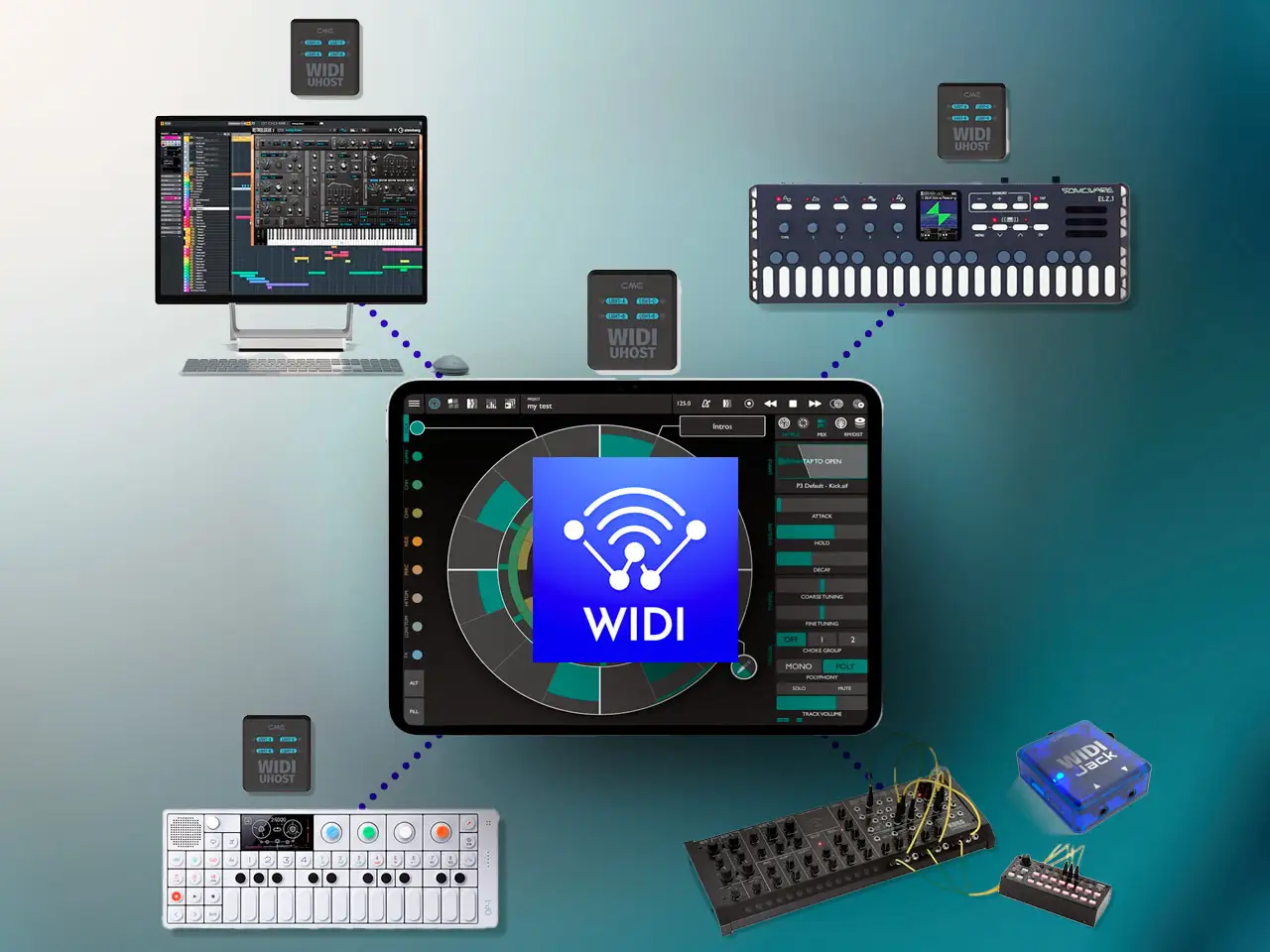
For a long time, making music on an iPad without cables had a big problem: jitter. Bluetooth MIDI was convenient, but the timing was often too shaky for serious recording or playing live.
With the new CME WIDI Firmware v2.6.0, things have changed. By adding a Low Jitter Mode, CME has made wireless timing actually feel almost like you’re using a cable.
Jitter vs. Latency: The Invisible Enemy
Latency is just a steady delay, which you can usually work around. But jitter is when that delay keeps changing. It’s the difference between a drummer who is always slightly late (manageable) and a drummer who can’t keep a steady beat (unusable).
This update fixes that. It brings jitter down to under 1ms and cuts latency by 60% for groups. For iPad users, this means the “slop” is finally gone.
Why Your iPad Needs a Wingman
Here is the thing: this update doesn’t fix the iPad’s built-in Bluetooth. Apple’s software is designed to save battery, not to provide perfect musical timing. If you connect directly to the iPad’s native Bluetooth, you’ll still have jitter.
To get the real benefits, you need a WIDI-to-WIDI bridge. You plug a WIDI interface into the iPad’s USB port so the iPad thinks it’s using a wire. Then, the WIDI devices talk to each other using their own fast protocol, skipping the iPad’s internal Bluetooth issues entirely.
The Hardware Solution: CME WIDI Uhost
The WIDI Uhost is the best pick for USB-C iPads. It’s small, plugs right in, and can even turn old USB controllers into wireless ones. When you pair it with another WIDI device on your synth, you get that pro-grade timing.
| Feature | Impact on iPad Production |
| Sub-1ms Jitter | Drum pads and keys feel “instant” and locked-in. |
| Stable Clock Sync | Sequencers and apps stay perfectly in time together. |
| Group Support | Sync up to five devices with much faster response times. |
Building Your Setup
To make this work, you need one device for your iPad and one for your gear.
1. For Your iPad (USB-C or Lightning)
These create the “bridge” that bypasses the iPad’s shaky internal Bluetooth.
- WIDI Uhost: Best for iPad Pro/Air (USB-C). Buy on Thomann or Amazon.
- WIDI Bud Pro: A USB-A stick. Good if you use a USB hub with your iPad. Buy on Thomann or Amazon.
2. For Your Gear (Synths, Drums, Pedals)
- WIDI Master: The standard for classic 5-pin MIDI ports. Buy on Thomann or Amazon.
- WIDI Jack: For gear using the smaller 3.5mm jacks or pedals. Buy on Thomann or Amazon.
- WIDI Thru6 BT: A box for people with lots of synths who want to sync everything wirelessly at once. Buy on Thomann or Amazon.
The Verdict
The v2.6.0 update turns wireless MIDI from a simple sketchpad into a professional usable solution. By using a device like the WIDI Uhost, you can finally have a studio without cables that actually stays in time. The “invisible cable” is finally here.
It’s a shame that we still have to plug in an external WIDI interface, which kind of negates the usability of wireless where you could just freely move around while you sequence and control all the MIDI gear. Let’s hope Apple’s built-in Bluetooth MIDI gets an update in the future, to lower the latency as well. Or maybe CME comes up with a really compact USB-C WIDI dongle.


Leave a Reply