
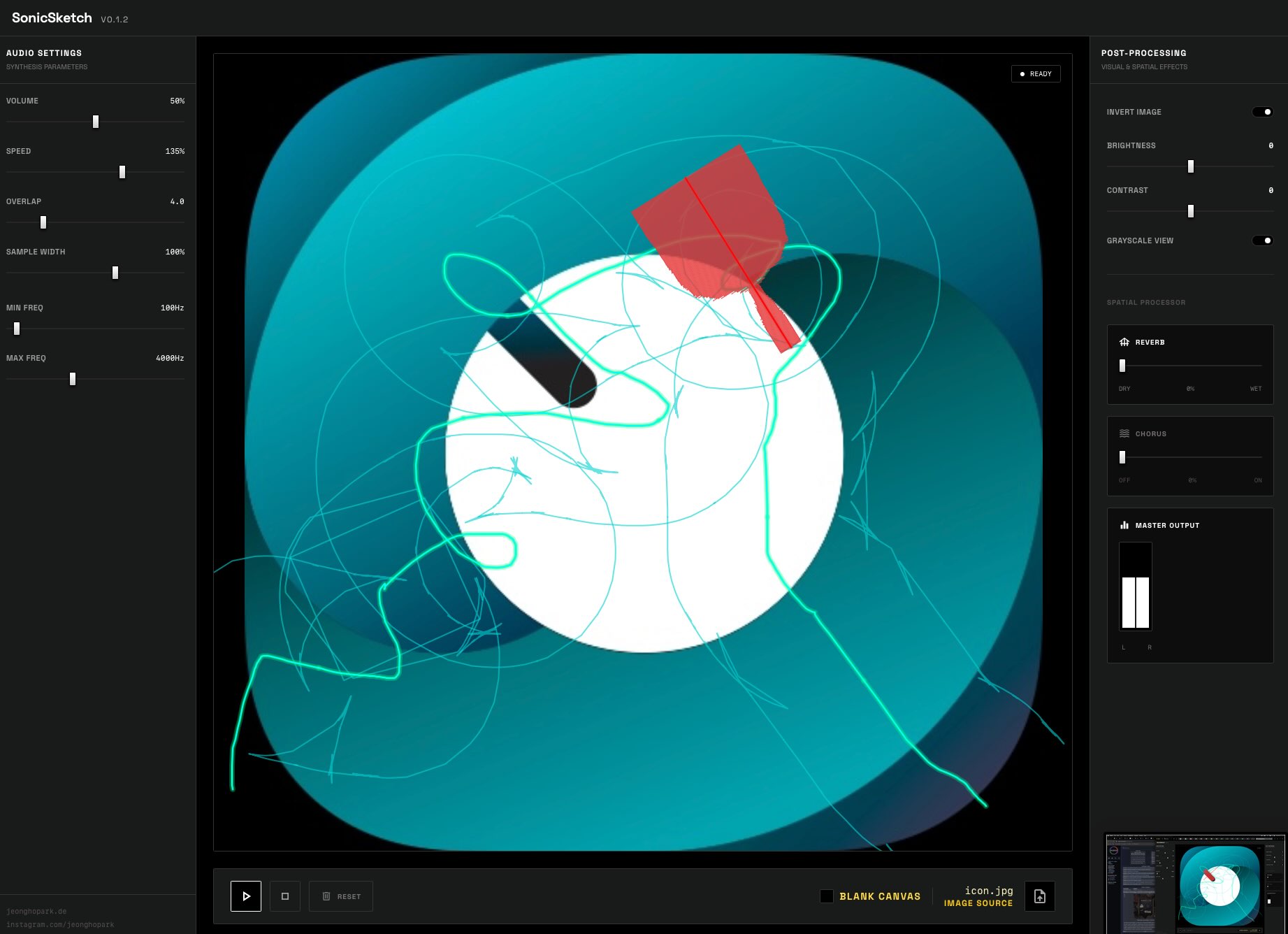
This webapp enables users to upload high-contrast images or start with a blank canvas, then trace lines to produce audio based on pixel data interpretation. After loading an image, you draw a path that the playhead will follow, generating different pitches of noise depending on the brightness of the underlying pixels. Different parameters, such as the spread of the path, determine the results, and it works best with contrasty pattern-based images. Image processing options include adjustments for brightness, contrast, inversion, and grayscale to refine the sonic output.
Built-in effects such as reverb and chorus help soften the abrupt harsh noise, providing added depth to the generated sounds. SonicSketch operates as a web application accessible via modern browsers like Safari on iPad, where its interface can be navigated effectively on larger screens. It is not a native iPad app and lacks optimization for smaller devices, making it unsuitable for iPhone use due to UI constraints. The tool draws from open-source roots, with related code available on GitHub, and focuses on desktop-recommended experiences but functions adequately on iPad for mobile exploration.
All in all, it’s a fun little webapp to explore on your iPad while you’re on the go, suitable for experimental sound design and generative music creation.
Key features include:
- Image-to-sound conversion via drawn paths
- Upload or blank canvas modes with direct drawing
- Pixel-based sound synthesis interpreting brightness as pitch
- Image adjustments: brightness, contrast, invert, grayscale
- Built-in reverb and chorus effects
- Parameters for path spread and other controls
App price: Free


Leave a Reply